

What the numbers mean
The encoder converts each pixel to brightness (Y) and two colour-difference channels (Cb, Cr). With 4:4:4 all three are kept at full resolution. With 4:2:0 the two colour channels are halved in both directions, so one colour value is shared by a 2 × 2 block of pixels. Brightness — where the eye sees detail — stays sharp; colour edges blur by a pixel, which on a thin red stroke is the whole stroke.
Measured
The same two pictures as in JPG quality, measured, encoded by this site's Precise encoder (MozJPEG) at quality 82, progressive, once at 4:2:0 and once at 4:4:4.
| Picture | 4:2:0 | 4:4:4 | 4:4:4 costs |
|---|---|---|---|
| Photograph | 149.9 KB · 41.2 dB | 191.1 KB · 42.2 dB | +28% bytes |
| Screenshot | 101.7 KB · 36.2 dB | 112.3 KB · 36.8 dB | +10% bytes |
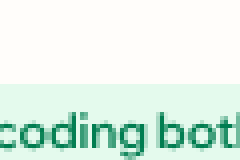
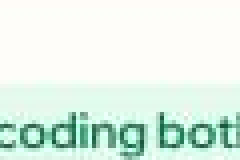
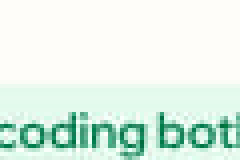
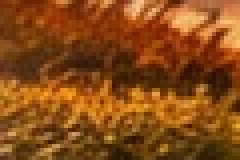
On the photograph, 4:4:4 costs 28% more bytes for 1 dB; on the screenshot, 10% more bytes keeps the green lettering green, where 4:2:0 washes the thin strokes towards grey and leaves a pale fringe beside them. The cost depends on how much colour detail a picture has, which is why the Auto setting measures each one: a large share of flat colour or saturated red on hard edges picks 4:4:4, everything else 4:2:0.
Choosing it here
In the converter's Quality panel, set Encoder to Precise. Subsampling then offers Auto, 4:2:0 and 4:4:4; the preview, the size curve and the written file all use the same choice, and the row reads back which one the file carries.
Questions
Which should I use?
Why is there no 4:2:2 option?
Which does the Browser encoder use?
Is a 4:4:4 JPG less compatible?
Photos stay on your device.